


Black Friday: HiveCRM + Hive Mail
Up to 55% off
See the deals
Forms and popups

Grow your list from every page.

Add a signup form with a block or a shortcode, or connect the form plugin you already use. Double opt-in, spam protection and preference pages are built in. Popups, fly-ins and exit-intent offers are coming soon in Pro.

Form / Newsletter
Join the newsletter
Product updates and tips, once a week.
Your name
you@example.com
Subscribe
What you get

Capture people the right way.

Consent and spam protection are part of every form.

Signup forms

Build a form in Hive Mail with a live preview. Choose the fields, the lists and tags, and what happens after.

Block or shortcode

Add it with the Hive Mail signup form block or a shortcode.

Double opt-in

Send a confirmation email before someone joins your list.

Clear consent text

Add a tick box with your own wording. The wording and time are saved on the person's timeline.

Connect a form you already use

A four-step guide for Fluent Forms, WPForms, Contact Form 7, Gravity Forms and Elementor forms.

Connected forms

See every connected form, switch it on or off, edit its steps and see who came through.

Spam protection

A hidden field, a timer and send limits on every form, plus a CAPTCHA you can add.

CAPTCHA

Cloudflare Turnstile, hCaptcha or Google reCAPTCHA v2 or v3, with your own keys.

Preference and unsubscribe pages

Plain pages that work with any theme. Subscribers choose their lists or leave in one click.

Popups and fly-ins Coming soonPRO

Time, scroll and exit-intent triggers with targeting rules.

Targeting Coming soonPRO

Show offers by page, source, device or segment.

Offer a coupon Coming soonPRO

Give a discount in exchange for an email.

Signup forms

A form that fits your design.

It uses your theme's fonts and colours, so it matches your site without any styling.

  • Shortcode and block
  • A thank-you message or a redirect to another page
  • Counts of people who sent the form and people who confirmed
Use casePut a newsletter form at the end of every blog post and send new subscribers a welcome series.
Form / Newsletter
Join the newsletter
Product updates and tips, once a week.
Your name
you@example.com
Subscribe
Connected forms

Keep the form you have.

Connect a form from another plugin and every person who sends it becomes a contact, with the lists, tags and emails you choose. Your form is not changed.

  • Fluent Forms, WPForms, Contact Form 7, Gravity Forms and Elementor forms
  • Choose what is saved, who they join and which welcome email goes out
  • Choose how permission works: only people who tick your box, or everyone with a confirmation email
Use caseConnect your contact form, add enquirers to a list and send a welcome email the moment they submit.
yoursite.com/wp-admin/admin.php?page=hivemail
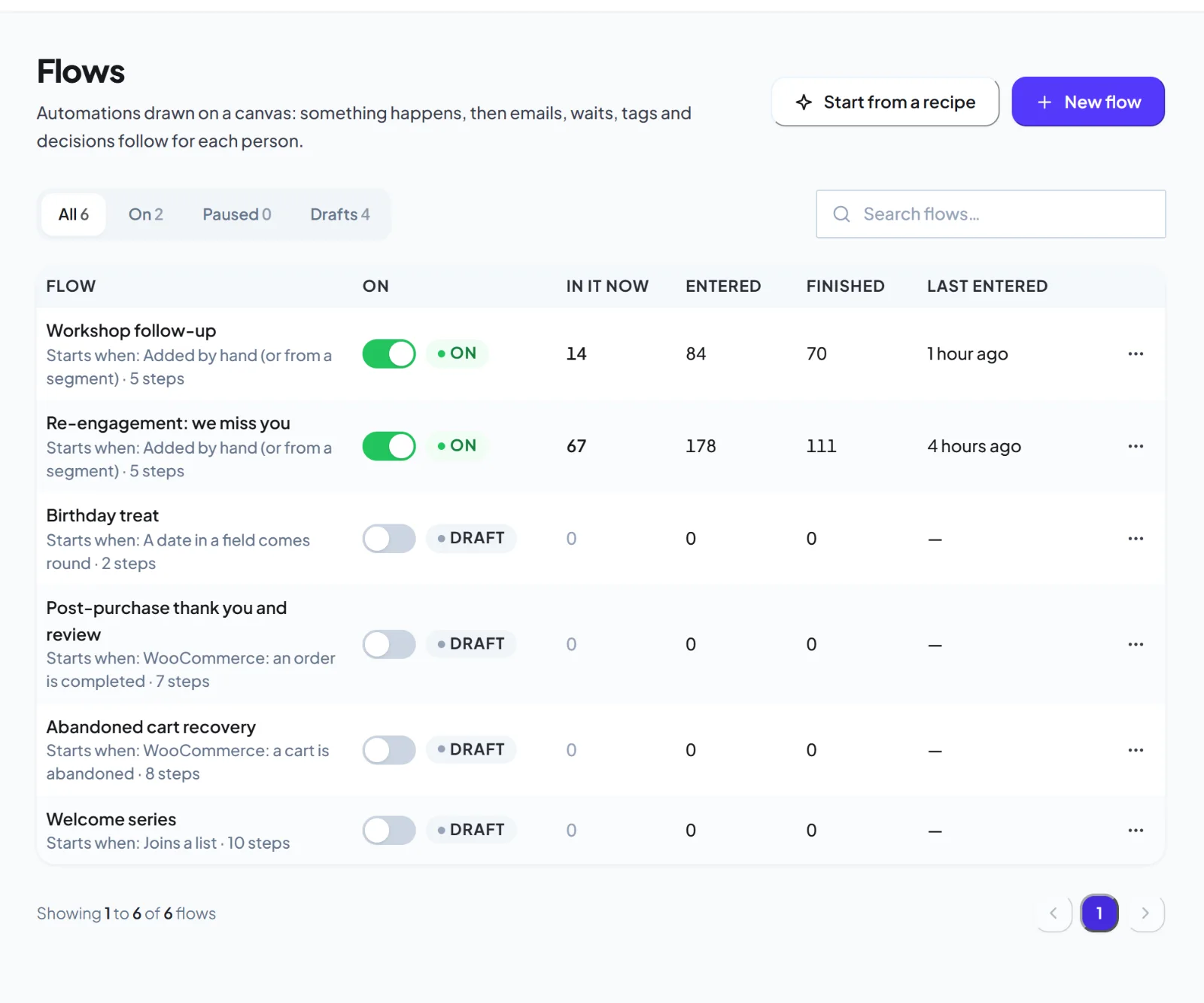
The list of automation flows in Hive Mail
Popups Coming soon

Ask at the right moment.

Coming soon: show a popup, a fly-in or a bar when it helps, not when it annoys.

  • Exit-intent and scroll triggers
  • Frequency rules so people are not nagged
  • Different offers for different segments
Use caseOffer a 10% code to first-time visitors when their mouse heads for the tab.
yourstore.com/collections/lighting
×
Welcome offer10% off
Wait, before you go.

Join the list and get 10% off your first order.

you@example.comSend my codeNo spam. Unsubscribe any time.
Exit intentTriggered
This popup converts6.8%
Free and Pro

Forms are free. Popups are coming soon in Pro.

In the free plugin

  • Signup forms and the form connector
  • Double opt-in and consent text
  • Spam protection and CAPTCHA

Added by Pro PRO

  • Popups, fly-ins and bars Coming soon
  • Exit-intent and targeting rules Coming soon
  • Coupon offers Coming soon
FAQ

Questions about forms and popups

Yes. Fluent Forms, WPForms, Contact Form 7, Gravity Forms and Elementor forms (with Elementor Pro) can be connected in four steps.
Every signup form has a hidden field, a timer and send limits. You can add Cloudflare Turnstile, hCaptcha or Google reCAPTCHA with your own keys.
Forms are light and load only where you place them. A CAPTCHA service you choose loads its own script on pages that carry such a form.
No. The signup form sets no cookie and stores no IP address. A CAPTCHA service may set its own cookies.
Add a tick box with your wording and turn on double opt-in. The wording, the time and the form are saved on the person's timeline.
Keep exploring

Related features

Audience and segments

Contacts, tags and live segments.

Learn more →

Automation

A graph canvas with a run log for every contact.

Learn more →

Email builder

Four editors, 14 starters (74 with Pro) and a brand kit.

Learn more →

Try it on your own site.

Download the free plugin and see it with your own data.