


Remind shoppers who left items in their WooCommerce cart: an email an hour after they last touched it, another a day later, and a last one two days after that. An order ends the flow.
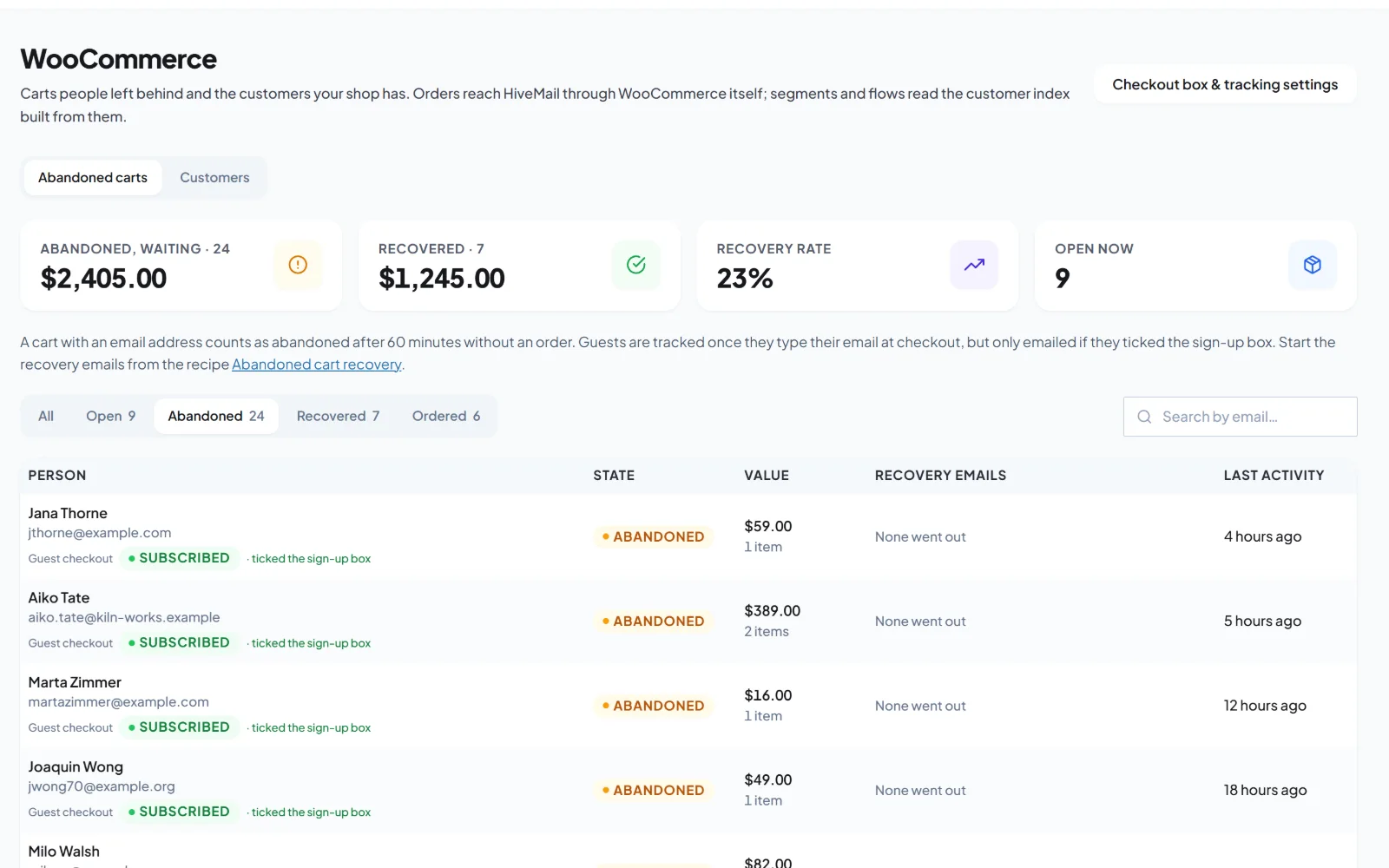
This is the draft flow this automation recipe creates for you. Review it, adjust it and switch it on.
Abandoned cart recoveryRunning
TriggerCart abandonedNo order in 60 min
WaitWait 1 hourGive them time
Send an emailFirst reminderItems left in cart
If / elseCart over $50?Check the value
Yes
Send an email10% code emailA reason to come back
No
Send an emailLast reminderA day later
GoalOrder placedEnds the flow
Guests are emailed only if they opted in
Coupons and cart blocks in Pro
Recovered revenue in your reports
How it works
What the flow does
Cart abandoned
The flow starts an hour after the shopper last touched the cart.
First reminder
A gentle nudge with the items they left.
A day later
A second email, with more reasons to come back.
Two days after that
A last reminder. An order at any point ends the flow.
What this automation sets up
It builds the parts for you.
Install this automation recipe and Hive Mail creates only what is missing, then gives you a draft flow to review. Nothing goes live until you switch it on.
A tag for shoppers who were reminded
Three starter emails
A goal that stops the flow when they order
Use caseReview the emails, adjust the timing, and activate.
yoursite.com/wp-admin/admin.php?page=hivemail
FAQ
Questions about this automation
Only guests who ticked the opt-in at checkout.
Coupons and cart-aware blocks are part of Pro.
More automations
Try another one.
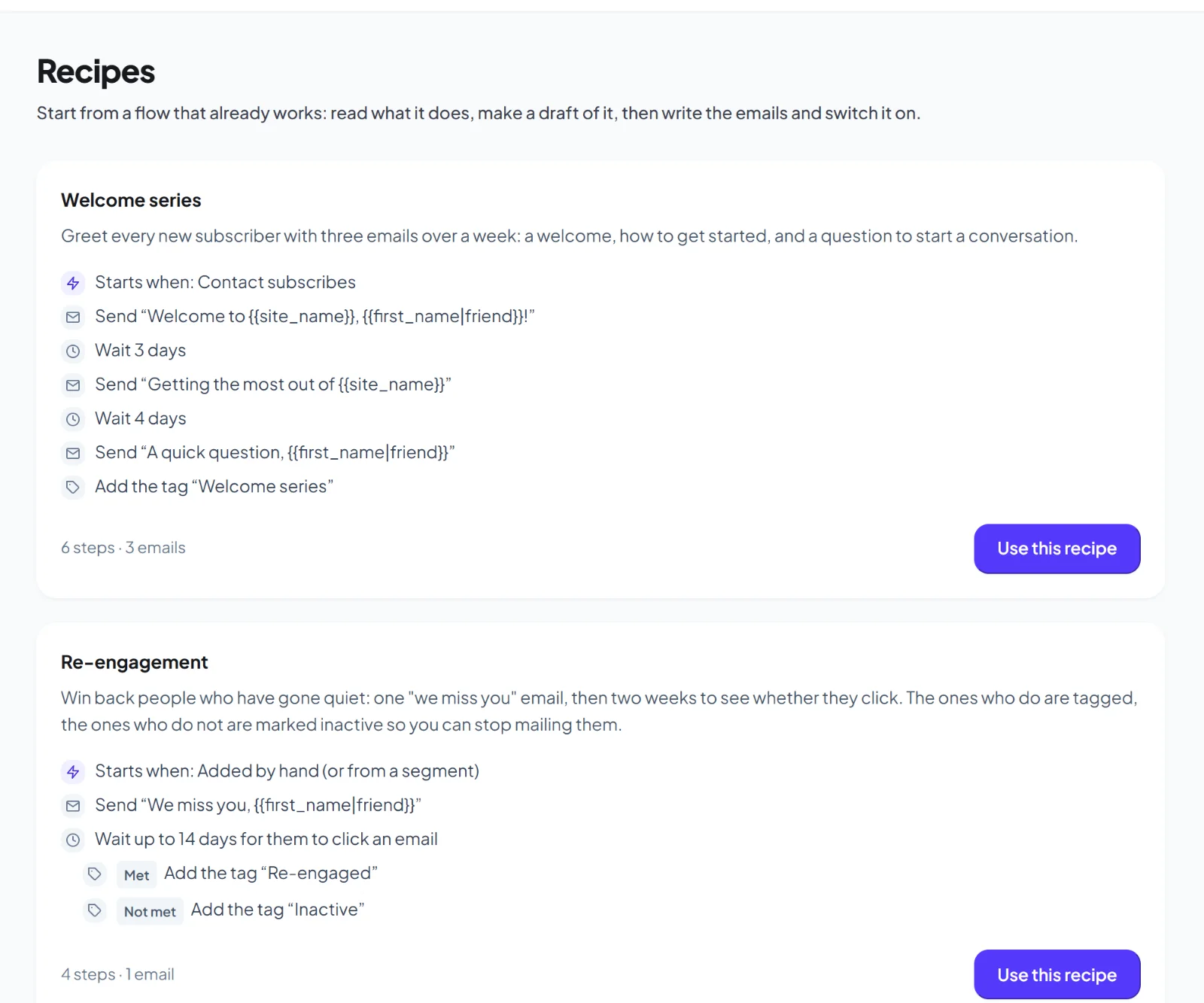
Welcome series
Greet every new subscriber with three emails over a week.