


Welcome someone who buys from you for the first time with Easy Digital Downloads: a thank-you with how to get started, and three days later an offer of help.
This is the draft flow this automation recipe creates for you. Review it, adjust it and switch it on.
First EDD purchaseRunning
TriggerFirst purchaseA new EDD customer
Send an emailThanks and setupDownload and activate
Add a tagTag: EDD customerSegment by product
WaitWait 3 daysLet them try it
If / elseRefunded?Check the order
No
Send an emailOffer of helpDocs and support link
Yes
Send an emailAsk for feedbackA short, honest note
Per-download and per-category filters
Renewals and licences in Pro
Customers and purchases built in
How it works
What the flow does
First purchase
The flow starts on a customer's first EDD purchase.
Thanks and getting started
A thank-you with the first steps.
Tag the customer
The contact is tagged as an EDD customer.
Three days later
An offer of help, with a link to support.
What this automation sets up
It builds the parts for you.
Install this automation recipe and HiveMail creates only what is missing, then gives you a draft flow to review. Nothing goes live until you switch it on.
An EDD customer tag
Two starter emails
A draft flow
Use caseReview the emails, adjust the timing, and activate.
yoursite.com/wp-admin/admin.php?page=hivemail
FAQ
Questions about this automation
Renewal and licence-expiry flows are part of Pro.
Yes. Filter the trigger by download.
More automations
Try another one.
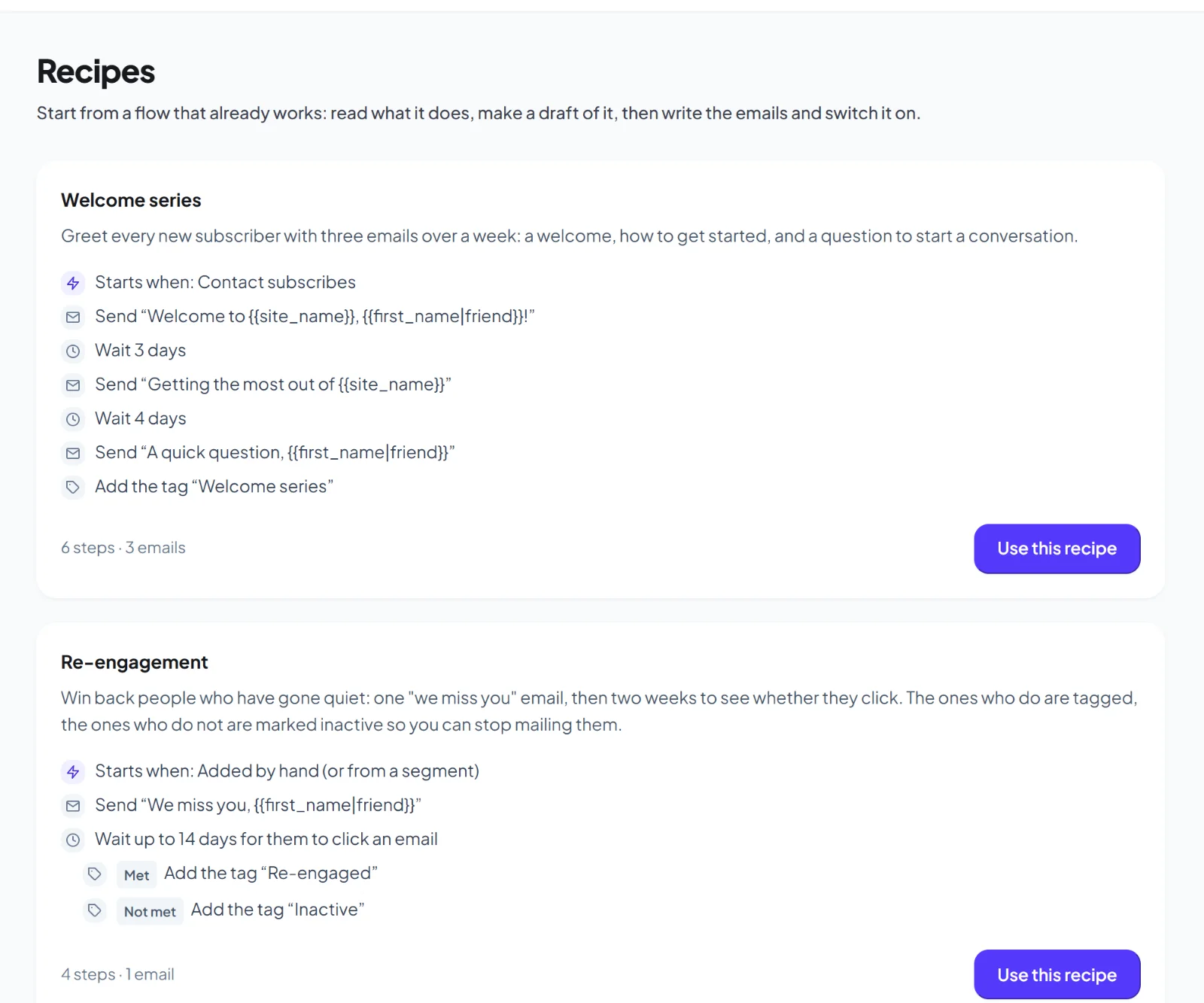
Welcome series
Greet every new subscriber with three emails over a week.