


HiveCRM Black Friday Offer
Up To 50% off
00Days
00Hrs
00Min
00Sec
Get Lifetime Del
Automation recipe · Needs WooCommerce

Post-purchase thank-you, ready to switch on.

After a WooCommerce order is completed: a thank-you the next day, and a week later a check-in that asks for a review. Customers are tagged.
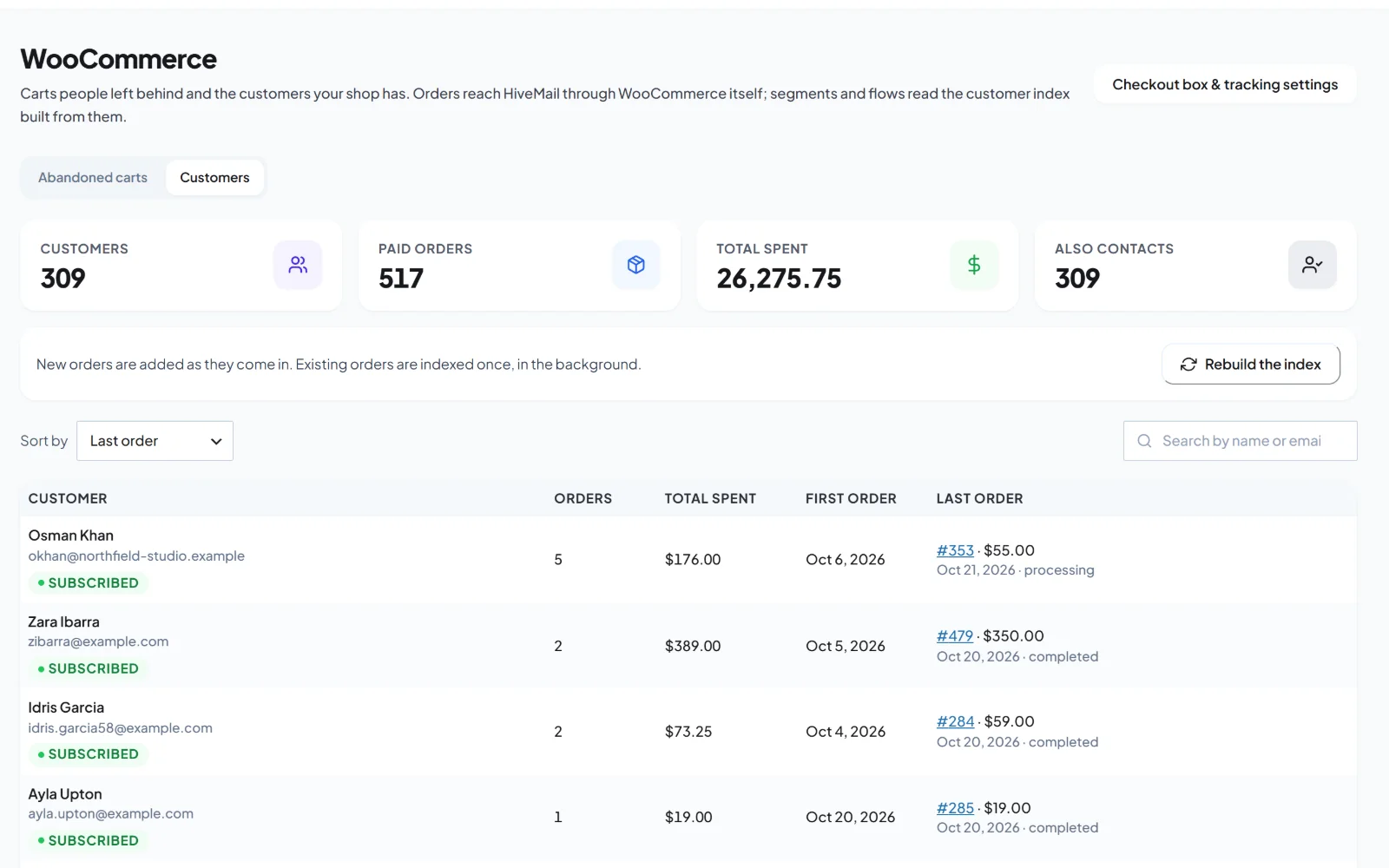
yoursite.com/wp-admin/admin.php?page=hivemail
WooCommerce customers in HiveMail
How it works

What the flow does

Order completed

The flow starts when the order is marked complete.

Thank you

The next day, a short note from you.

A week later

A check-in that asks how it is going and invites a review.

Tag the customer

The contact is tagged as a customer.

What this automation sets up

It builds the parts for you.

Install this automation recipe and HiveMail creates only what is missing, then gives you a draft flow to review. Nothing goes live until you switch it on.

  • A Customer tag
  • Two starter emails
  • A draft flow
Use caseReview the emails, adjust the timing, and activate.
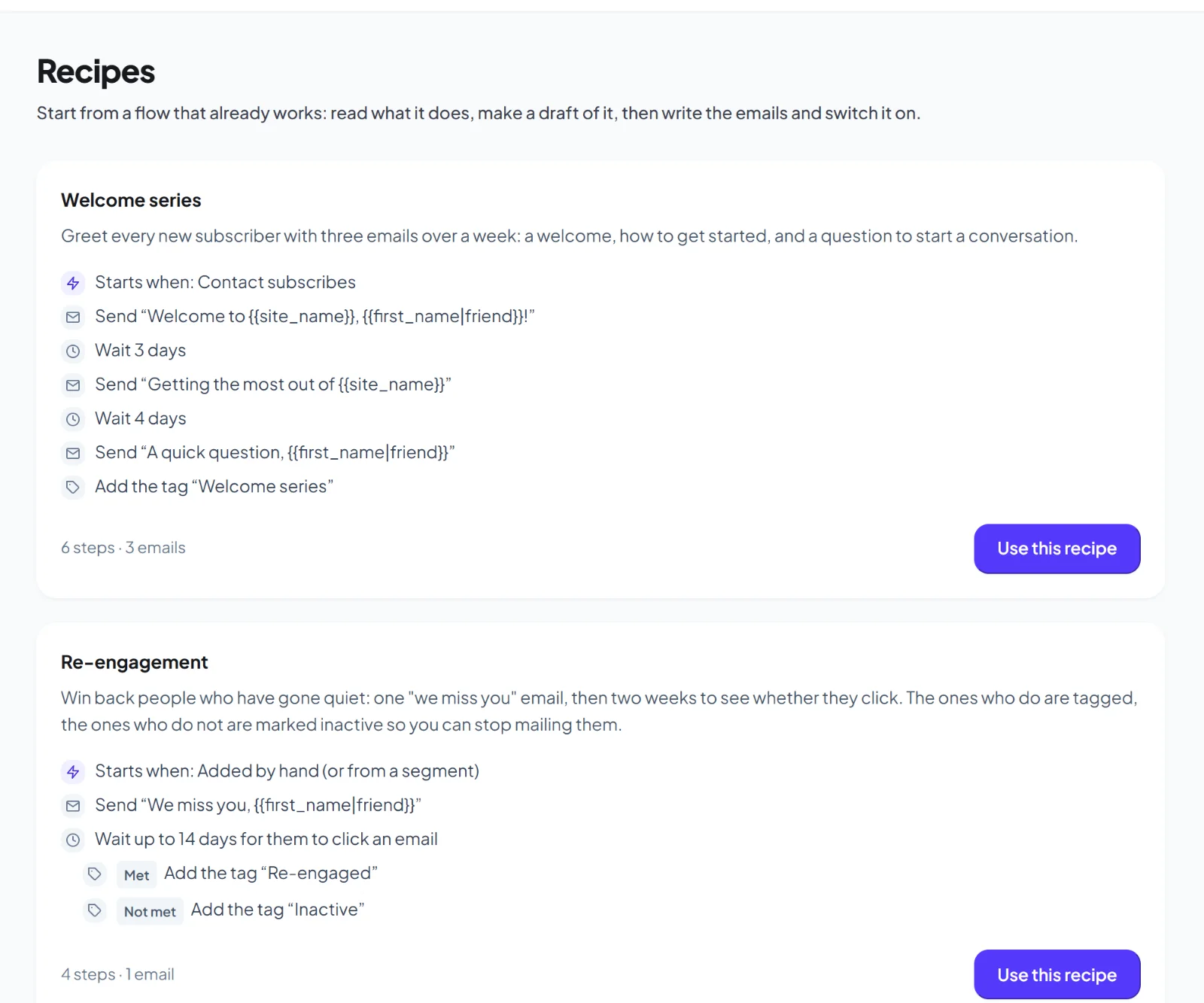
yoursite.com/wp-admin/admin.php?page=hivemail
HiveMail automation recipes
FAQ

Questions about this automation

Yes.
Yes. Filter the trigger by product or category.
More automations

Try another one.

Welcome series

Greet every new subscriber with three emails over a week.

Learn more →

Abandoned cart recovery

Remind shoppers who left items in their cart.

Learn more →

First EDD purchase

Welcome someone who buys for the first time.

Learn more →

Switch this one on in minutes.

Get early access and use this automation with your own lists.

Early access

Be first to try HiveMail.

Leave your name and email and we will tell you the day it launches. Nothing else.

HiveMail Early Access

One email at launch. No spam, unsubscribe any time.