


HiveCRM Black Friday Offer
Up To 50% off
00Days
00Hrs
00Min
00Sec
Get Lifetime Del
Automation recipe · Needs A form plugin

Form follow-up, ready to switch on.

When someone sends a form on your site: tell your team, thank them straight away, and follow up two days later. Works with the form plugin your site has; the person is added as a contact.

yourstore.com/collections/lighting
×
Welcome offer10% off
Wait, before you go.

Join the list and get 10% off your first order.

you@example.comSend my codeNo spam. Unsubscribe any time.
Exit intentTriggered
This popup converts6.8%
How it works

What the flow does

A form is sent

Fluent Forms, WPForms, Contact Form 7, Gravity Forms or Elementor forms.

Notify your team

A note to you or your team.

Thank them

An immediate thank-you.

Follow up

Two days later, a follow-up.

What this automation sets up

It builds the parts for you.

Install this automation recipe and Hive Mail creates only what is missing, then gives you a draft flow to review. Nothing goes live until you switch it on.

  • A contact from the form
  • Two starter emails
  • A draft flow
Use caseReview the emails, adjust the timing, and activate.
yoursite.com/wp-admin/admin.php?page=hivemail
Hive Mail automation recipes
FAQ

Questions about this automation

Fluent Forms, WPForms, Contact Form 7, Gravity Forms and Elementor forms.
Yes. You choose which form field fills which contact field.
More automations

Try another one.

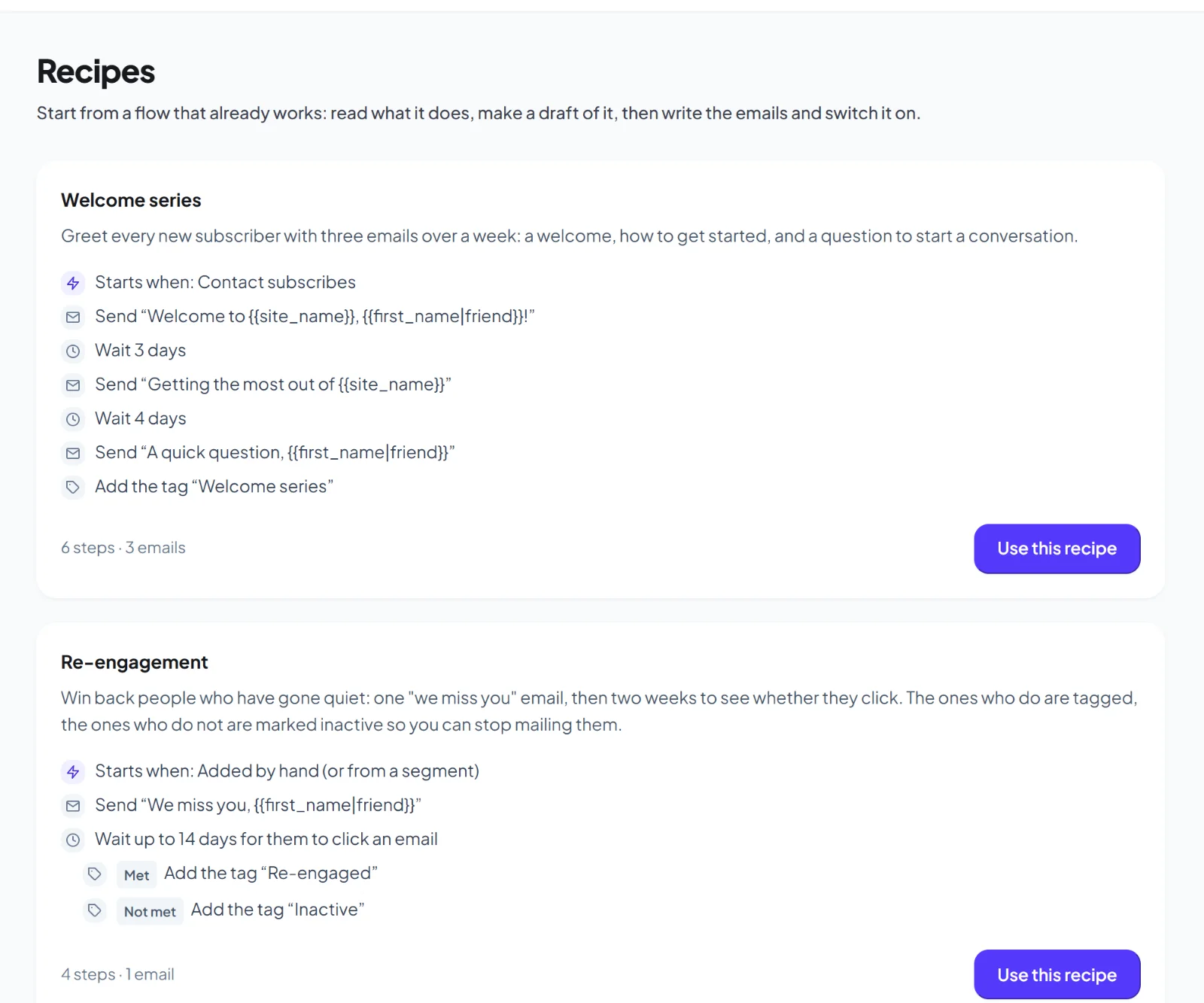
Welcome series

Greet every new subscriber with three emails over a week.

Learn more →

Abandoned cart recovery

Remind shoppers who left items in their cart.

Learn more →

Post-purchase thank-you

Thank buyers and ask for a review.

Learn more →

Switch this one on in minutes.

Get early access and use this automation with your own lists.

Early access

Be first to try Hive Mail.

Leave your name and email and we will tell you the day it launches. Nothing else.

Hive Mail Early Access

One email at launch. No spam, unsubscribe any time.