

Once a signup form is saved, has at least one list and The form is on, show it with a shortcode or a block. Save the form first: the Put it on a page card says "Save the form first."
With the shortcode #
- Open the form in Audience > Forms. In Put it on a page, press Copy next to Shortcode. It looks like
[hivemail_form id="3"]. - Edit the page or post. Add a Shortcode block (or your page builder's shortcode element) and paste the code.
- Update the page and view it.
With the block #
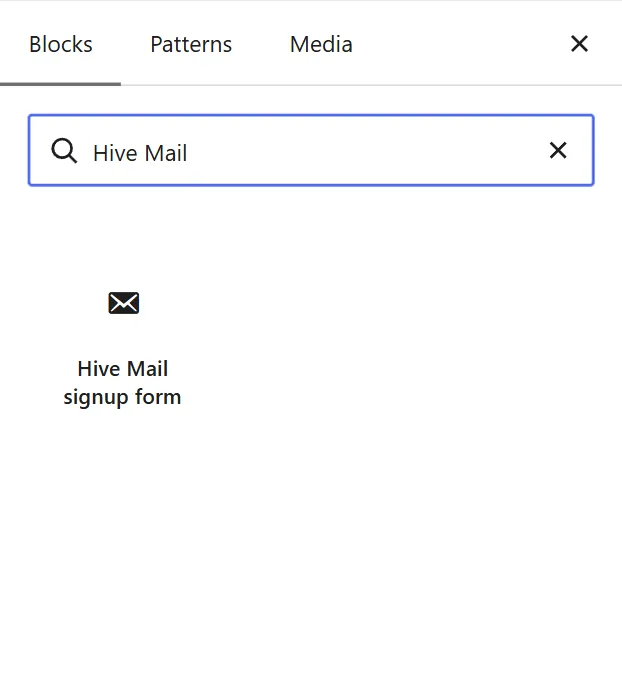
- In the block editor press + and search for Hive Mail signup form.
- Pick the form in the Signup form drop-down ("Choose a form…"). Forms that are off carry "(off)".
- Update the page.
The editor shows a picture of the real form; nothing can be sent from it. You can use a form on several pages, or twice on one page. Developers: Shortcodes and the signup form block.
What visitors see #
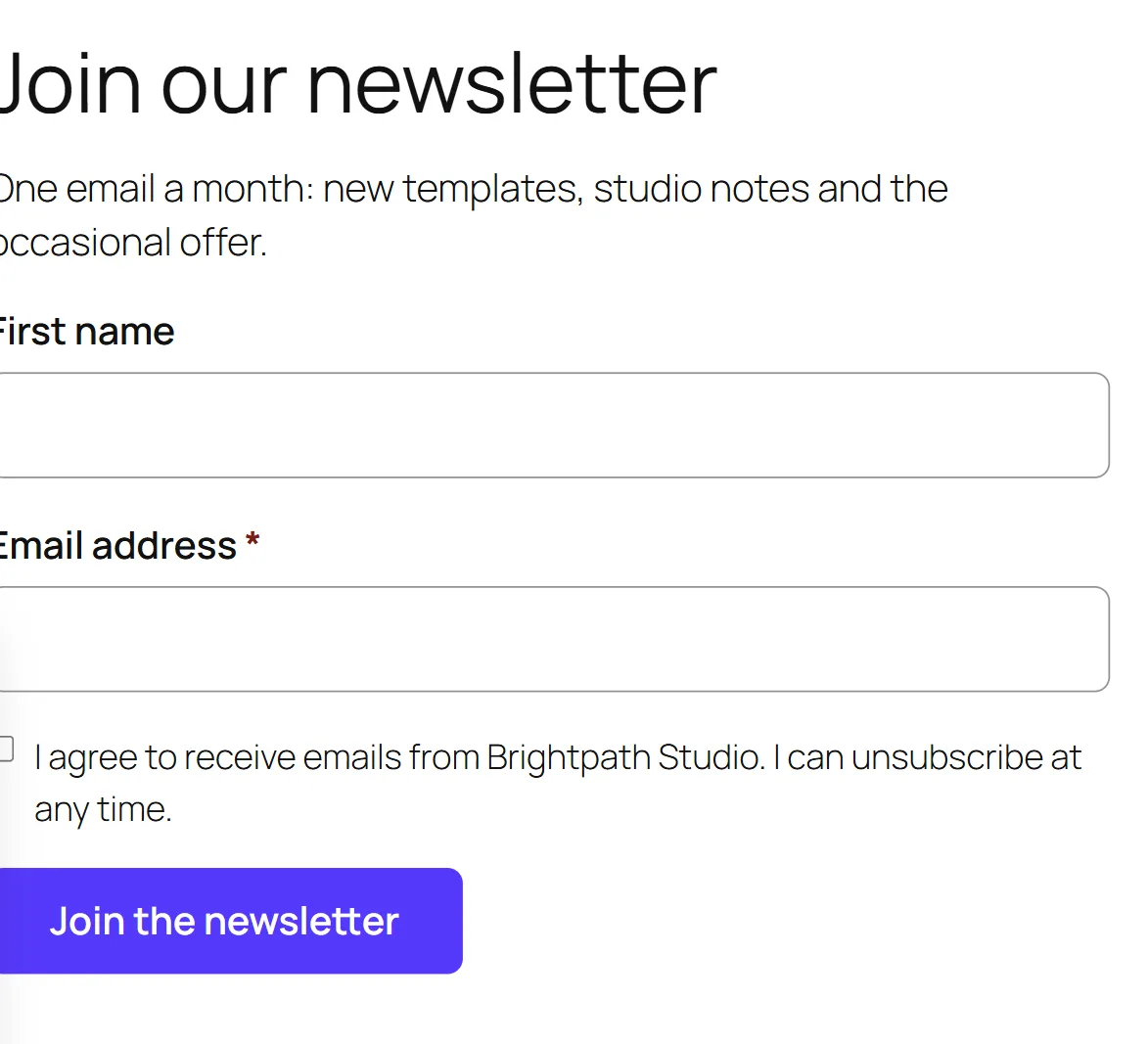
A small form with the fields you chose (a red * marks required ones), your tick box, a CAPTCHA if on, and the button. It uses your theme's fonts and colours. With JavaScript the form is replaced by the thank-you message or the visitor goes to your redirect page; without it, the page reloads with the message where the form was. The form sets no cookie and stores no IP address.
| Situation | Message |
|---|---|
| Accepted | Your thank-you message, or "Thank you. Please check your email to confirm." or "Thank you. You are subscribed." |
| Email missing or not valid | "Please enter a valid email address." |
| Required name empty | "Please fill in your name." |
| Mandatory box not ticked | "Please tick the box to agree." |
| Too many sends | "You have tried too many times. Please wait a few minutes and try again." |
| Page open over 24 hours | "This page was open for a long time. Please reload it and try again." |
| CAPTCHA failed | "We could not check that you are human. Please try again." |
| Form off, deleted or without a list | "This form is not available right now." |
People who manage Hive Mail see a one-line note where a form cannot show (turned off, no list, or deleted). Visitors see nothing.
What Hive Mail does #
The visitor is never told which of these happened, so nobody can find out who is on your list.
| Who sends | What happens |
|---|---|
| A new address | Creates a contact with source form:<id> and adds the lists and tags. Subscribed if the form subscribes straight away, otherwise Pending with a confirmation email. |
| Already Subscribed | Adds lists and tags quietly. No email. |
| Pending | Adds lists and tags and sends a new confirmation email, at most one every 5 minutes. |
| Unsubscribed | Always sends a fresh confirmation email. They stay Unsubscribed until they press its button. |
| Transactional | If the form asks for confirmation, sends one. Otherwise they become Subscribed at once. |
| Bounced, Complained or suppressed | Nothing. |
| A robot | A normal-looking thank-you; nothing stored or counted. |
Each send is added to the person's timeline as "Sent a signup form" with the wording they saw. Limits: 3 sends a minute and 10 an hour per visitor; at most 3 confirmation emails a day to one address and 20 an hour from one network. Over a limit, nothing is sent and nobody is told. Developers can change these with the hivemail_form_rate_limits and hivemail_form_email_limits filters (Hooks: filters).
Warning: A real person who presses the button less than 3 seconds after the page was drawn sees the normal thank-you, but nothing is saved. This catches robots.
Cached pages are fine; a page cached for more than a day makes the visitor reload. If the form does not appear, see Conflicts with other plugins and caching.
This is information, not legal advice.


