

Every marketing email must say who sent it, where the sender is, and how to stop. Hive Mail does this with a footer and an unsubscribe link. Fill in Business name and Business address in Settings > General first: Hive Mail will not send a campaign without the address. See Settings: General.
What the automatic footer contains #
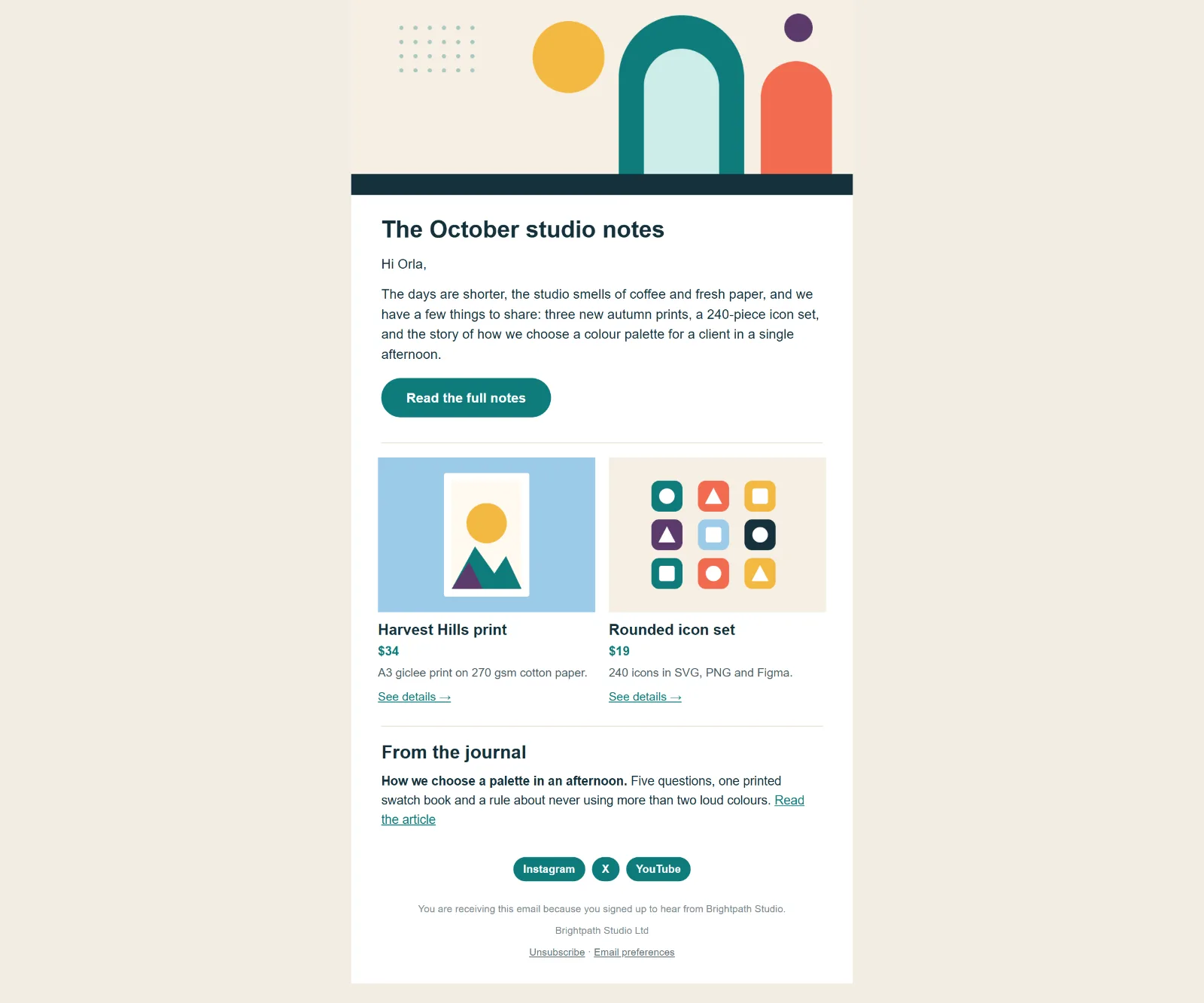
When a marketing email has no unsubscribe link of its own, Hive Mail adds a footer with:
- Your own text (optional).
- Your business name and address on one line (the site name if there is no business name).
- "You are receiving this email because you subscribed." and the link Unsubscribe.
- A link Manage preferences, only when the setting is on and you have at least one public list (see Lists).
The plain-text version gets the same footer: a -- line, your text, name and address, "Unsubscribe: {address}" and, when shown, "Manage preferences: {address}".
| Situation | What happens |
|---|---|
| Marketing email with no unsubscribe link | Hive Mail adds its footer |
Your own link (a Footer block, or {{unsubscribe_url}} or {{unsubscribe_link}} in your text) |
Your footer stays; no second one |
| Confirmation and other service emails | No footer, no tracking |
| Test emails | Same rules, but the link is not tied to a real contact |
Edit the footer #
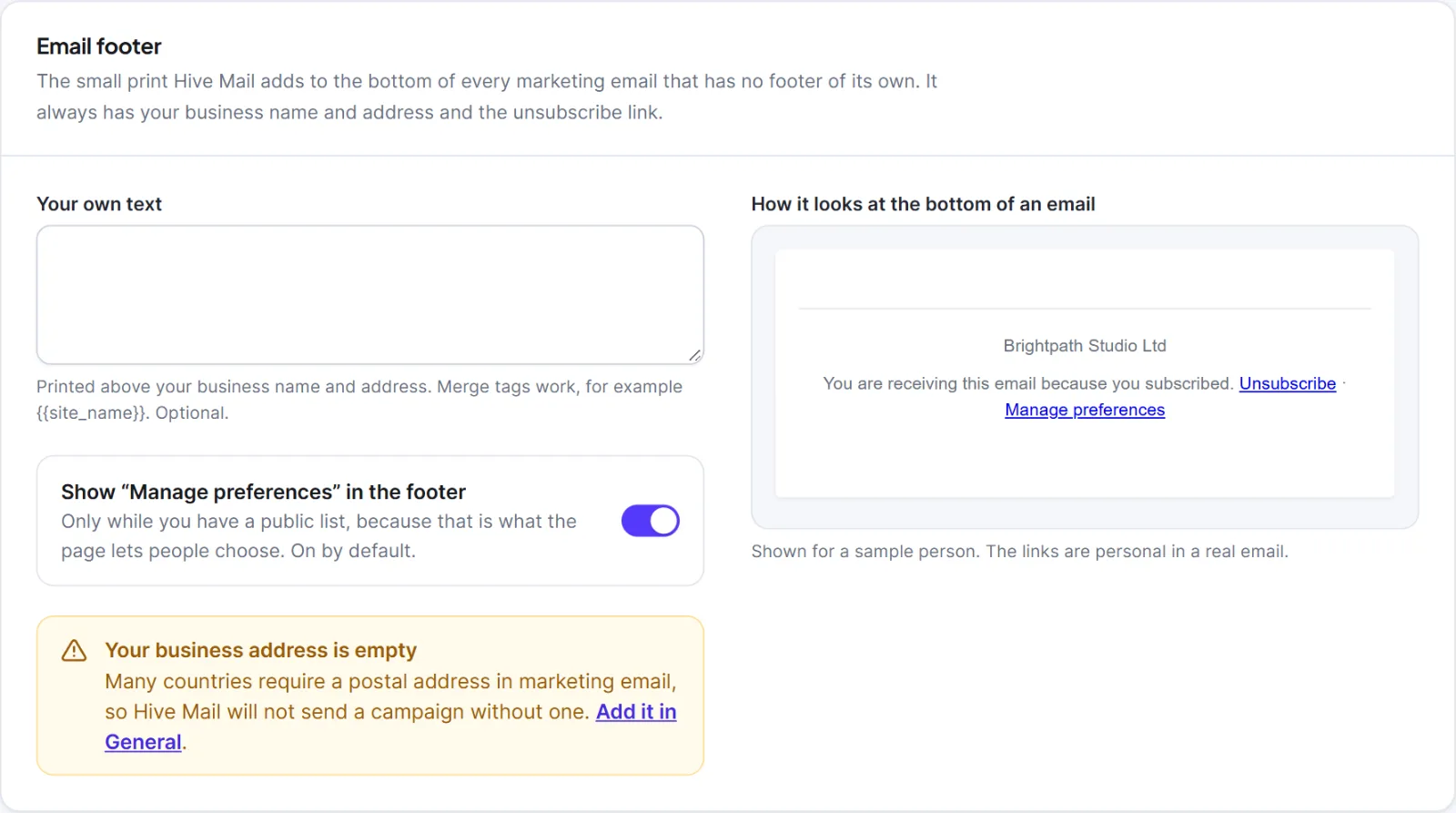
- Open Settings > Compliance and find the card Email footer.
- Type Your own text, printed above the business name and address. Merge tags work, for example
{{site_name}}. - Switch Show “Manage preferences” in the footer on or off (on by default; it only matters while you have a public list).
- Check the preview "How it looks at the bottom of an email", then click Save changes.
If the business address is empty, an amber box says "Your business address is empty". The tab Email footer adds social links and the text size, alignment, colours and spacing of this footer: see Settings: Email footer.
 Compliance with the preview” class=”wp-image-2507″/>
Use your own footer #
- Visual builder: add a Footer block. It holds the unsubscribe link, so Hive Mail adds nothing. See The Visual builder.
- Classic editor: left panel > Footer > Add a footer.
- Plain text or HTML: write it and include
{{unsubscribe_url}}or{{unsubscribe_link}}.
Keep your business name and address in it: the Footer block has Show business name and address; elsewhere use {{business_name}} and {{business_address}}.
| Tag | What it prints |
|---|---|
{{unsubscribe_link}} |
A finished "Unsubscribe" link (the address in plain text) |
{{unsubscribe_url}} |
Only the address |
{{preferences_url}} |
The preferences page address |
{{view_in_browser_link}}, {{view_in_browser_url}} |
A "View in browser" link or address; campaigns only |
Hive Mail's own links are never click-tracked. See Merge tags and fallbacks.
Where the unsubscribe link goes #
It opens a page on your site. Nothing changes until the person presses the Unsubscribe button, so link scanners cannot unsubscribe anyone. The wording is set in Settings > Compliance, and you can use your own WordPress page: see Unsubscribe and email preference pages. People who unsubscribe stay in Contacts as Unsubscribed.
Every marketing email also carries hidden headers (List-Unsubscribe, List-Unsubscribe-Post: List-Unsubscribe=One-Click, Precedence: bulk) that let Gmail, Yahoo and others show their own Unsubscribe button, which unsubscribes at once. They always use Hive Mail's built-in address and work best on HTTPS; the sending readiness check warns when the site is not.
Links in already-sent emails keep working, unless you change the site's security keys or move the site without them: then they show "This link does not work".
Warning: Do not remove or hide the unsubscribe link. People who cannot find it mark your email as spam. Gmail also cuts messages over about 100 KB, which can hide the footer.
This is information, not legal advice.
Next: Settings: Compliance, How to create and send a campaign.


