

The assistant is a chat inside Hive Mail where you ask email marketing questions and get drafts of subject lines, preheaders and short emails. It connects to your own account with an AI company, so an administrator must set it up once in Settings > AI & MCP (Settings: AI assistant).
Open it #
- Click the sparkles icon (tooltip Assistant) in the top bar, next to your name. The side panel opens on the right.
- Click the icon again, press Esc or click X to close it. Click Open full page in the panel header for more room (
#/ai).
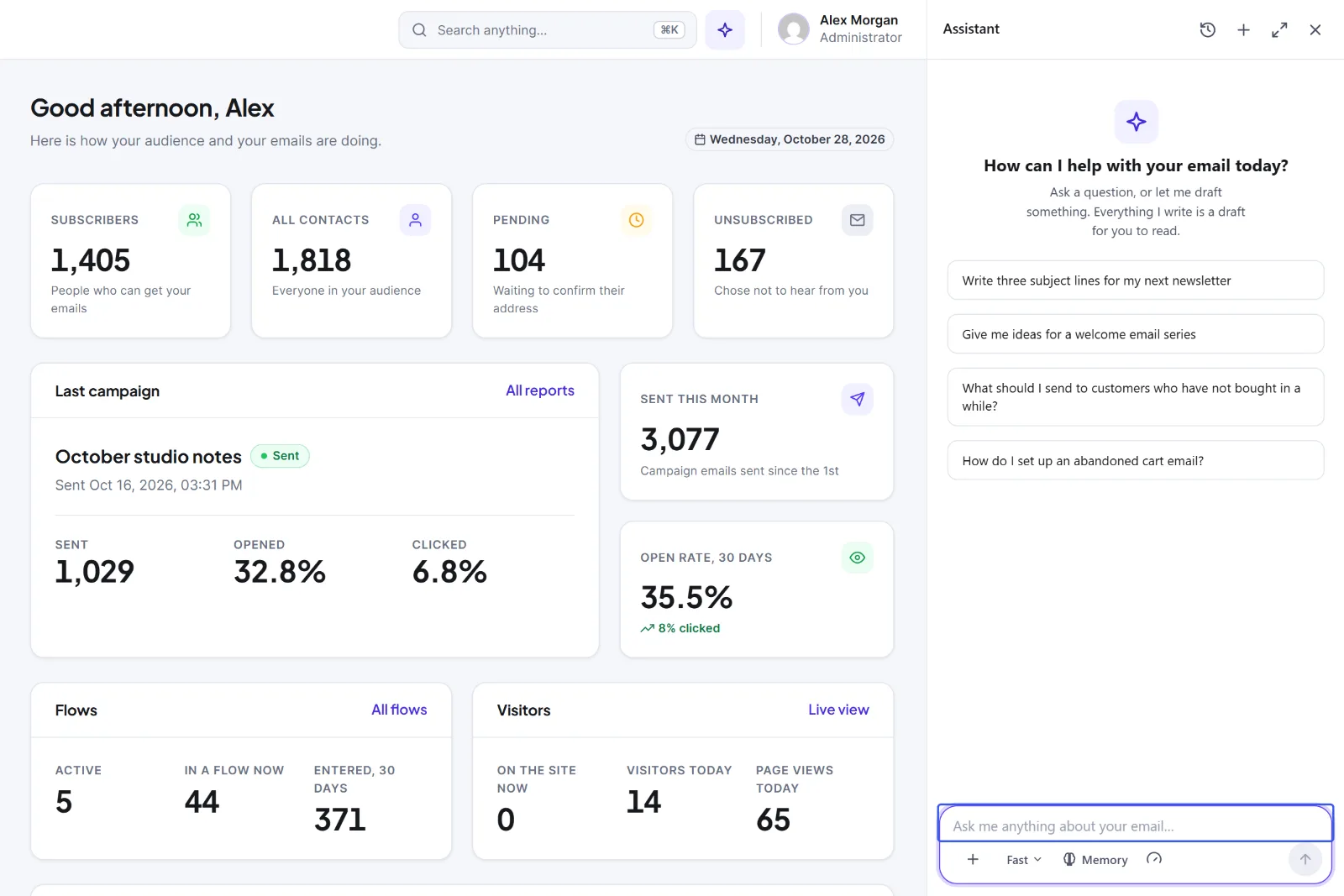
The icon shows for administrators and for users with the Hive Mail AI permission. If it is not there, ask an administrator.
Chat #
- Click one of the four ideas, or type in the box Ask me anything about your email… (up to 4,000 characters).
- Press Enter to send, Shift + Enter for a new line.
- Read the answer. Under it, Copy puts it on your clipboard, and Good answer or Bad answer sends your feedback. Both stay on your site.
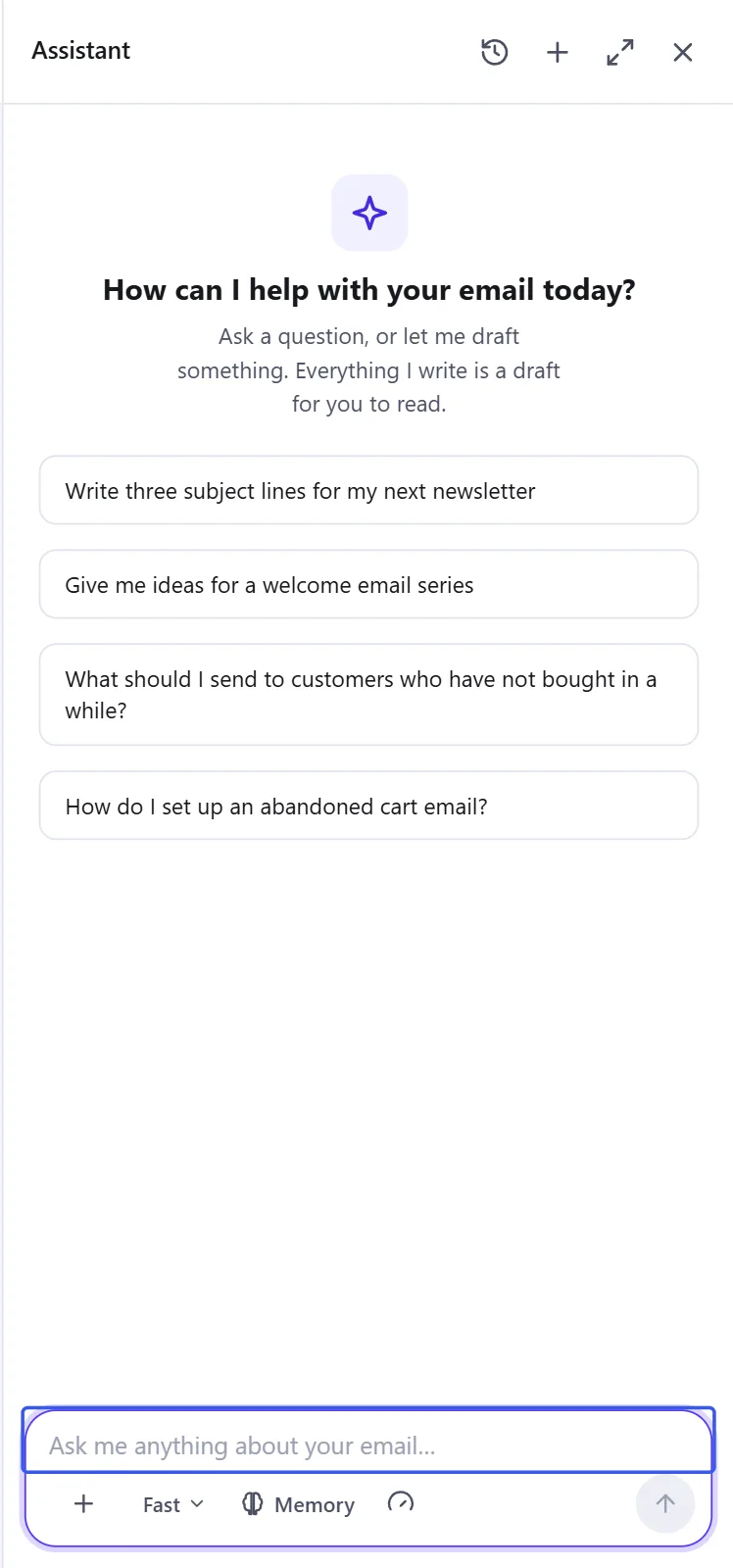
Controls under the message box:
| Control | What it does |
|---|---|
| + | New chat, or New chat without memory (reads and adds no notes) |
| Fast / Careful | Fast is quick and the default. Careful is slower, for longer writing |
| Memory | Pause or resume your notes, or open What it remembers |
| Gauge icon | Administrators only: Usage this month and Change the limit |
Stop ends the wait on your screen, but the answer is still saved in the chat. Use the clock icon (Recent chats) to switch chats. If a notice appears above a greyed-out box, read it: it says what to fix, such as Add a key or Change the limit.
What it can and cannot do today #
- It can answer email marketing questions, write subject lines, preheaders, short emails and series ideas, and remember short notes about your brand.
- It chats only. It cannot see your contacts, campaigns or reports, change anything on your site, send an email or attach a file. Everything it writes is a draft that you copy into the editor.
- It can be wrong. Check facts, offers and dates before you send.
What is sent to the AI service #
Hive Mail sends your chat from your website straight to the AI company whose key the site owner entered. There is no Hive Mail or Hive Plugins server in between. With each question it sends:
- the key, to sign in;
- fixed instructions with your site name, the date and time and your time zone;
- your saved notes (unless memory is paused or off for the chat);
- the recent messages of the chat (up to 20, about 24,000 characters).
After an answer, a second small request may send your last six messages and your notes to update your memory. It does not add contact names or emails, lists, campaigns, reports or orders. Anything you type is sent, so do not type passwords, card numbers or customers' personal details. The AI company's own terms and privacy policy apply. Chats stay on your site; the usage log keeps only times, models, token counts and result codes, never your text or the key.
This is information, not legal advice.


