

The Where to start card on the Dashboard lists what stands between a fresh install and your first campaign. It ticks itself as you go, because each row is done when the thing it asks for really exists.
Open Hive Mail in the WordPress admin menu and scroll to Where to start. Click a row to open the screen that fixes it. Finished rows show a tick and Done.
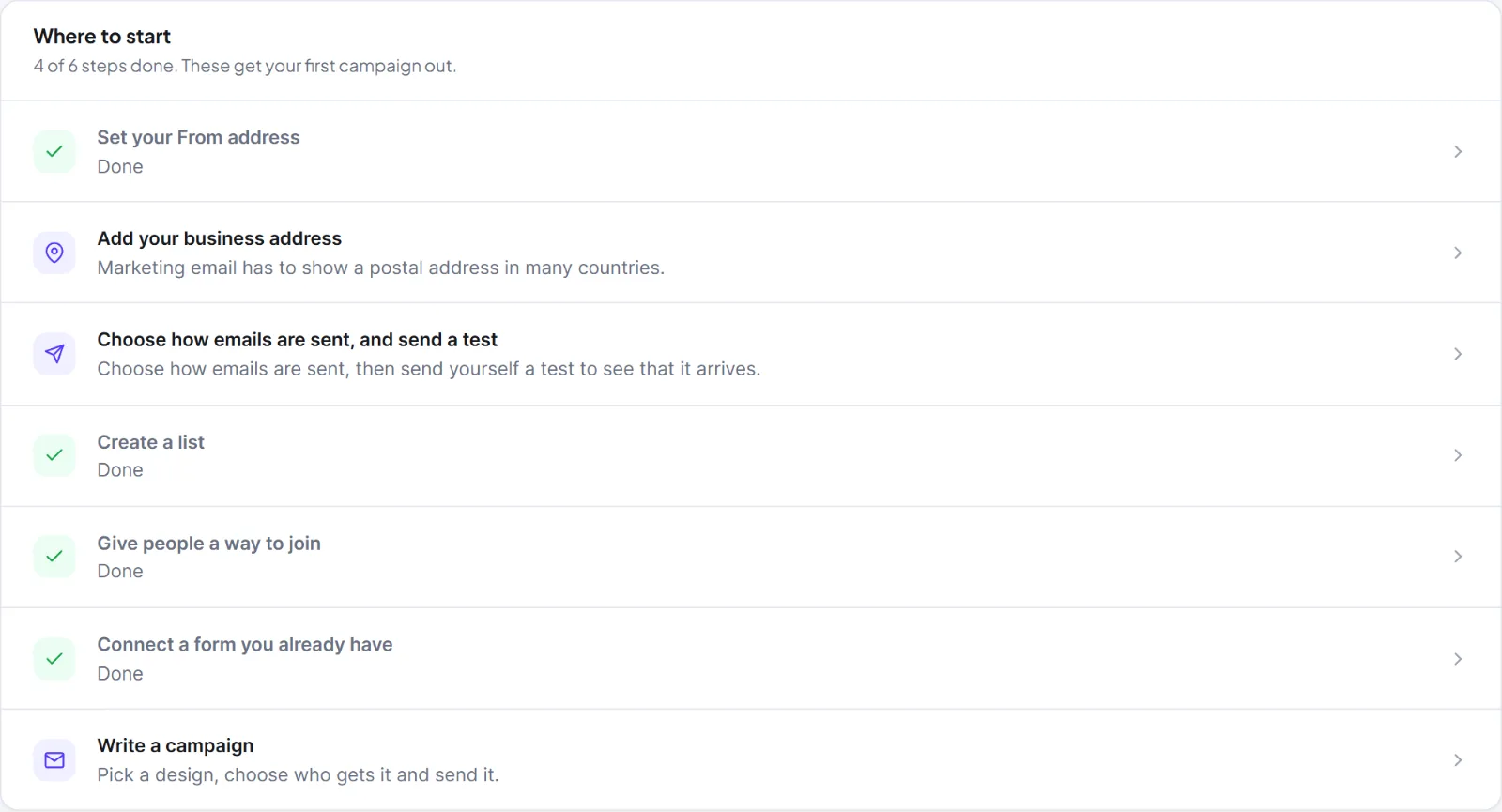
| Row | What to do | Done when |
|---|---|---|
| Set your From address | In Settings > General, type an address on your own domain in Default From email, for example news@yourshop.com, then Save changes. |
The address is valid and not on a free mail provider such as gmail.com, yahoo.com, outlook.com or icloud.com. |
| Add your business address | In Settings > General, fill in Business address. It is printed in every email footer, and Hive Mail will not send a marketing campaign without it. | The field is not empty. |
| Choose how emails are sent, and send a test | In Settings > Sending, choose a delivery method and use Send a test email. | The last test succeeded through the method you use now. Changing the method removes the tick until a new test succeeds. |
| Create a list | In Audience > Lists, click New list. See Lists. | At least one list exists. |
| Give people a way to join | Import contacts, create a signup form or connect a form you already use. | At least one contact exists, or a signup form is switched on. |
If your site has Fluent Forms, WPForms, Contact Form 7, Gravity Forms or Elementor, a sixth row appears: Connect a form you already have. It is done when one form is connected.
The last row, Write your first campaign, is a shortcut and never gets a tick. It is shown only to people who may see campaigns. When every row is done and you have sent a campaign, the card disappears.
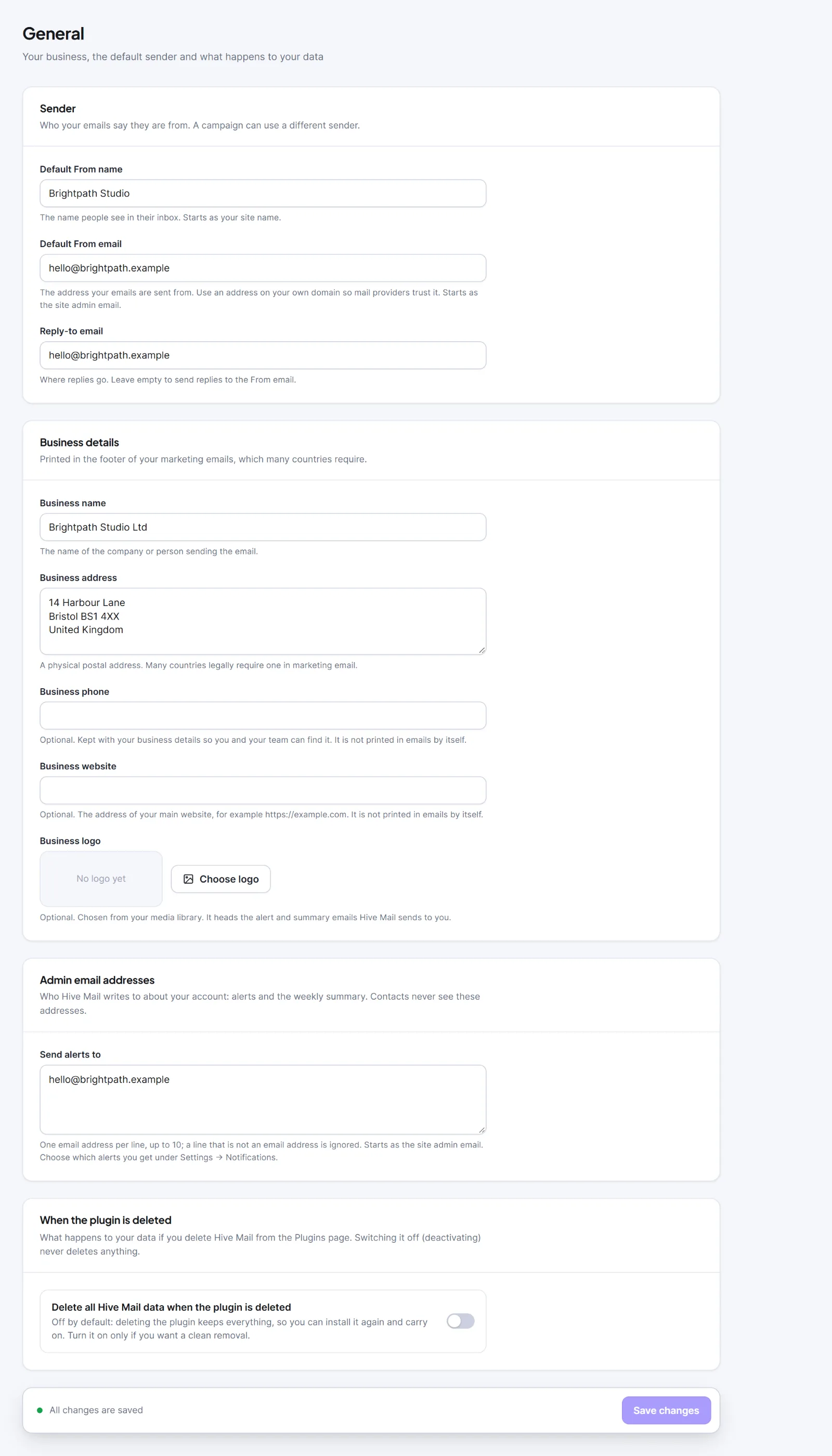 General with the sender and business details filled in” class=”wp-image-2619″/>
Tip: A sent test proves your delivery method works. It does not prove a queued campaign goes out on time; for that, see Scheduled sending and cron.
Next: The setup wizard, Is my site ready to send email?, How to create and send a campaign.


