

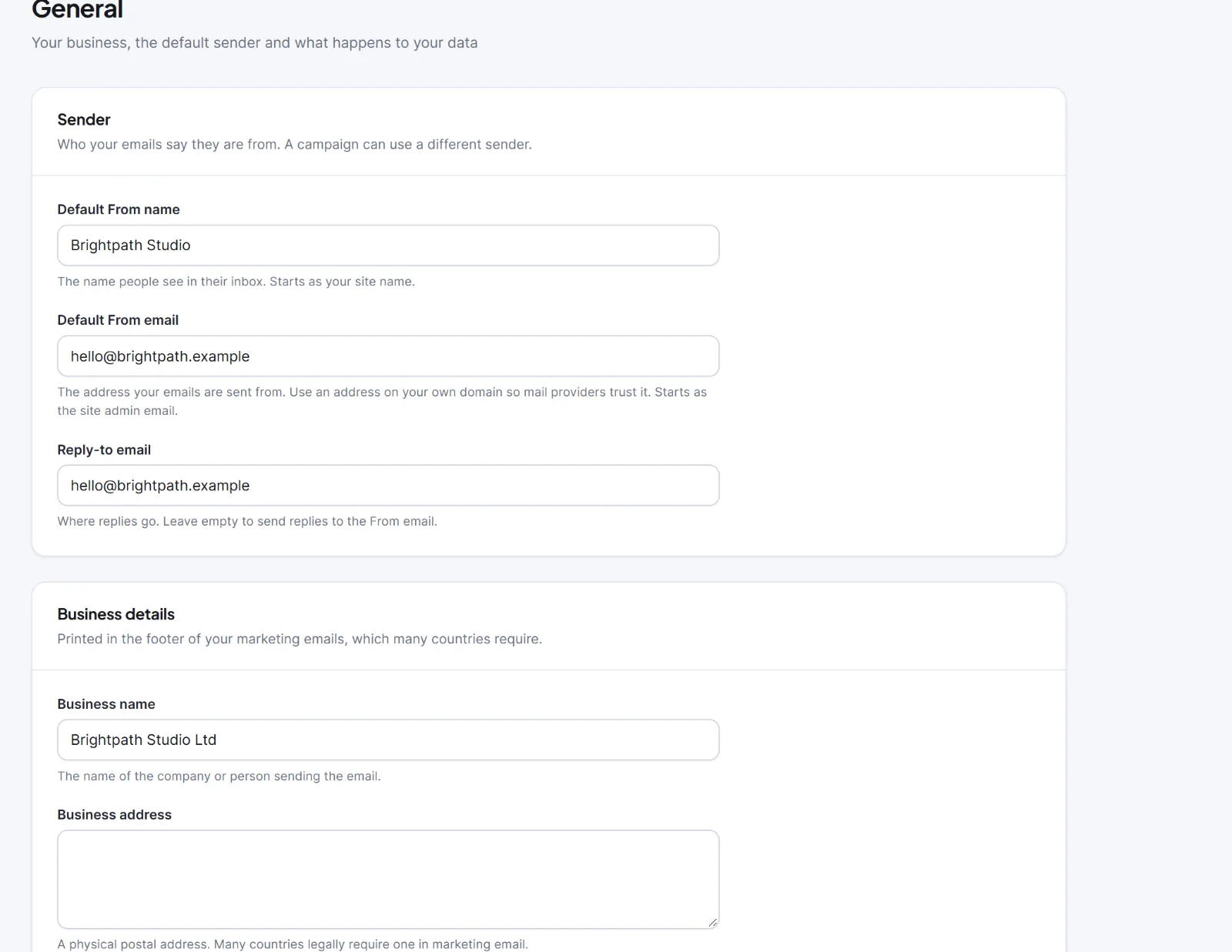
Open Hive Mail > Settings > General. It has four cards and one save bar (Discard changes, Save changes). You need to be an administrator or have Manage settings.
| Setting | What it does | Default |
|---|---|---|
| Default From name (card Sender) | The name people see in their inbox. A campaign can set its own sender | Your site's name |
| Default From email | The address emails are sent from. Use an address on your own domain; gmail.com or yahoo.com turns the "From address" check on the Sending tab red | The site's admin email |
| Reply-to email | Where replies go | Empty (replies go to the From email) |
| Business name (card Business details) | Printed in the footer and the {{business_name}} merge tag |
Empty (the site name is printed) |
| Business address | A postal address, required in marketing email in many countries. A campaign cannot be sent without it | Empty |
| Business phone, Business website | Kept with your details; not printed in emails by themselves | Empty |
| Business logo | Choose logo, Replace logo, Remove. Heads the alert and summary emails sent to you, not campaigns (that logo is in the brand kit) | None |
| Send alerts to (card Admin email addresses) | Who gets alerts and the weekly summary; one address per line, up to 10. Contacts never see these. The Notifications tab has its own box, which wins when filled in | The site's admin email |
| Delete all Hive Mail data when the plugin is deleted (card When the plugin is deleted) | Wipes everything when the plugin is deleted from the Plugins page. Deactivating never deletes anything | Off |
The public pages (Unsubscribe, Email preferences, Subscription confirmed), the email footer and the confirmation email print the business name and address from here.

Warning: With the delete switch on, deleting the plugin erases contacts, lists, tags, segments, campaigns, reports, automations, tracking data and all settings, including sending keys, for good. Export your contacts first: Uninstalling and Delete all data.


