

Hive Mail > Settings > Easy Digital Downloads sets the sign-up box on the Easy Digital Downloads checkout. The tab appears only while Easy Digital Downloads is active. See Easy Digital Downloads with Hive Mail.
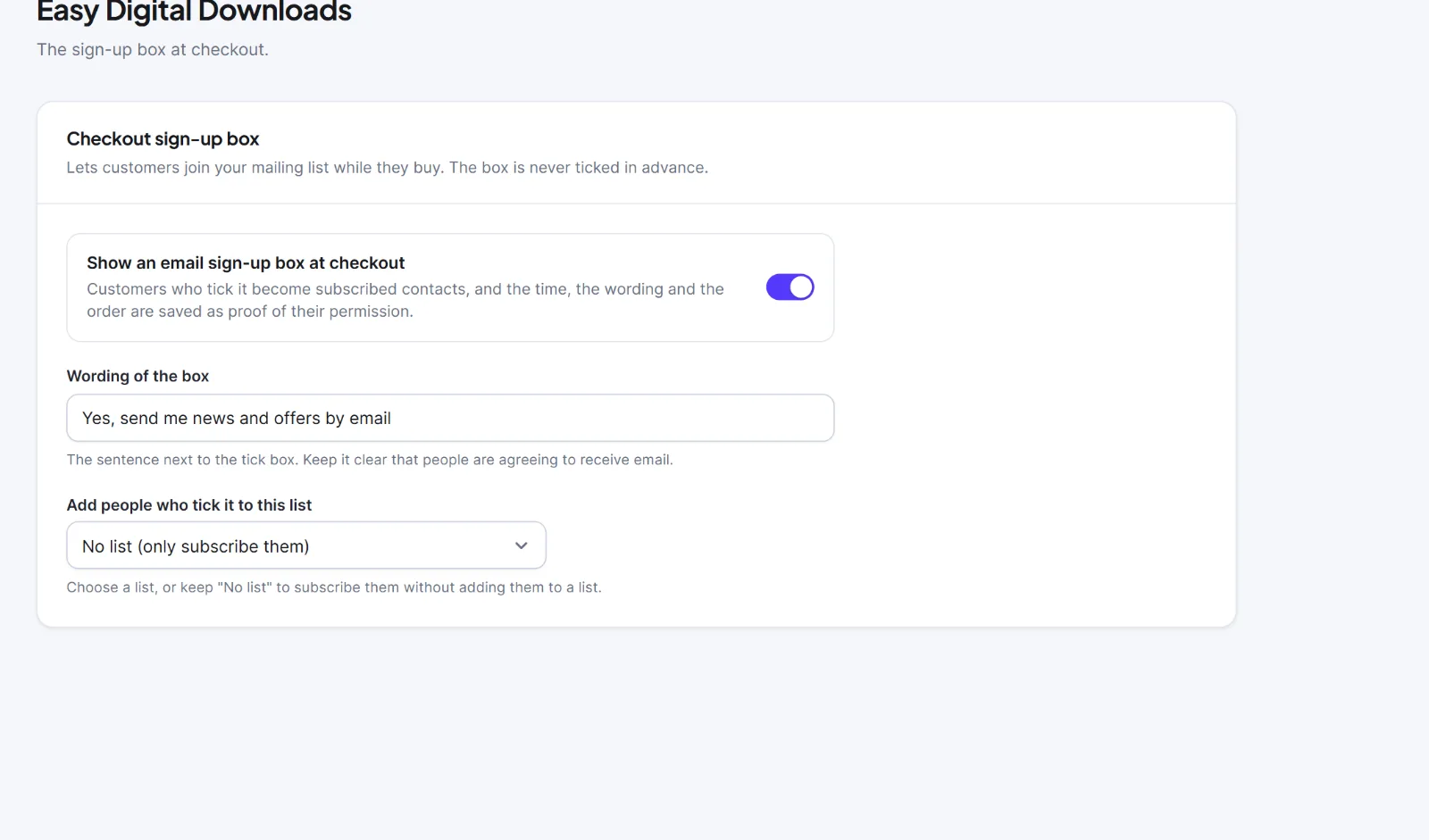
| Setting | What it does | Default |
|---|---|---|
| Show an email sign-up box at checkout | Adds the box to the checkout. It starts unticked (see below). Ticking subscribes the customer; the time, wording and order are saved as proof | On |
| Wording of the box | The sentence beside the tick box | "Yes, send me news and offers by email" |
| Add people who tick it to this list | A list, or "No list (only subscribe them)" | No list |
Click Save changes ("Settings saved") and test by buying a download in a private window.
The box sits in the personal-information part of the checkout. Hive Mail draws the box unticked. Depending on your copy of Hive Mail, it may be ticked in advance when the cart total is above zero (a free cart is never ticked in advance); look at your own checkout to see which. The customer can always untick it. A tick is saved the same way however the box got ticked, because Hive Mail only sees the box as it was sent. A box ticked in advance is weaker proof of permission, and in many countries it does not count as permission at all: check your own rules. This is information, not legal advice.
Hive Mail remembers the tick for an hour against a one-way code made from the customer's email, then attaches it to the order and forgets it. A ticked box creates a subscribed contact with the source edd_checkout, the time, the wording and the order. Someone who unsubscribed, bounced, complained or asked not to be emailed is not subscribed again.
Hive Mail does not track abandoned carts for Easy Digital Downloads. It keeps a purchase summary per customer (Commerce > Easy Digital Downloads in the sidebar), and flows can start from a purchase (Triggers).


