

Hive Mail > Settings > Email is your brand kit: the logo, colours, font, button style and footer wording that new emails start from. A sticky Preview card sits beside the cards. For the longer walk-through see The brand kit; delivery options are on Settings: Sending.
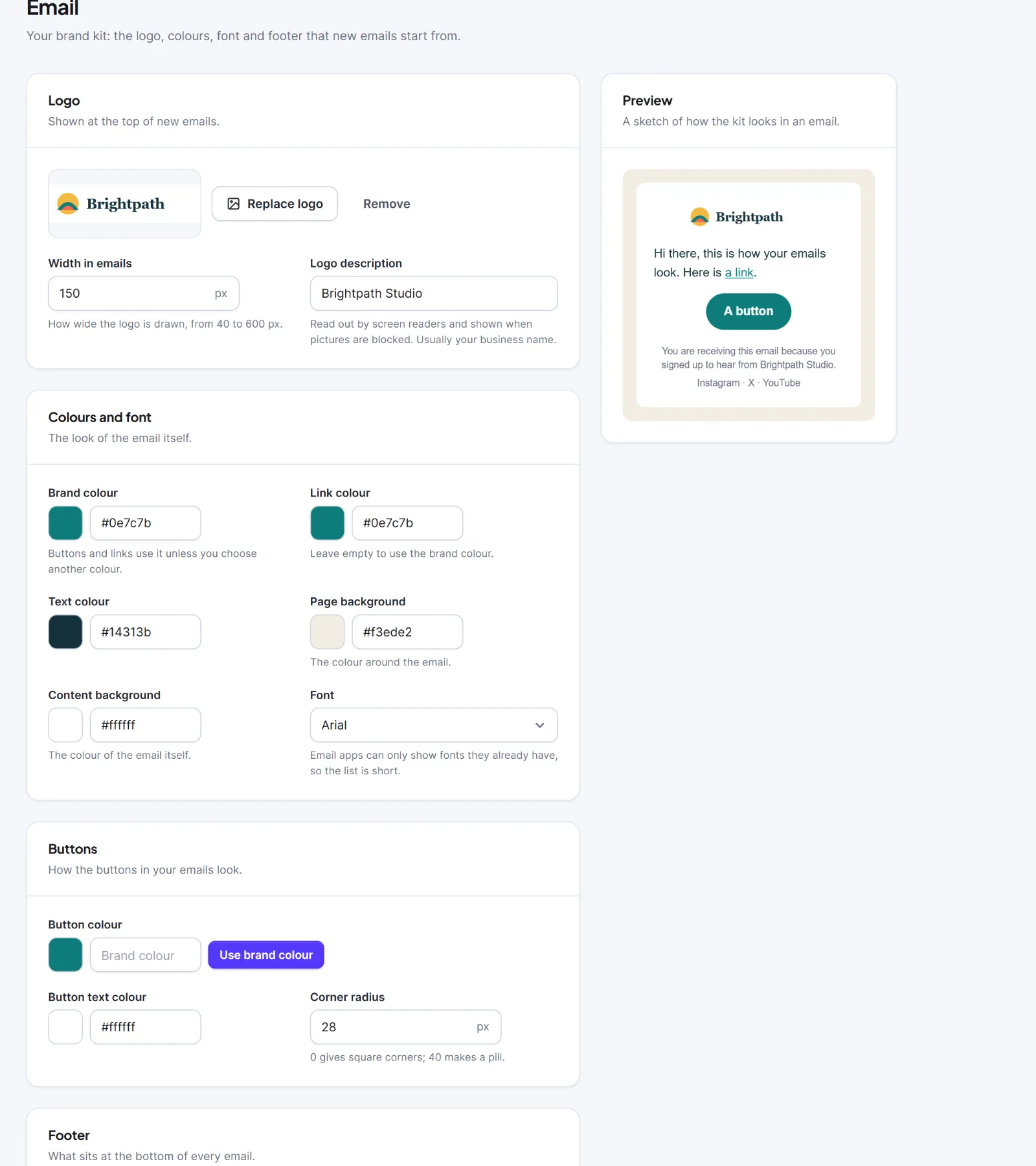
| Setting | What it does | Default |
|---|---|---|
| Logo | Choose logo (window "Choose your logo", then Use this logo), Replace logo, Remove | None |
| Width in emails | How wide the logo is drawn, 40 to 600 px | 160 px |
| Logo description | Read by screen readers, shown when pictures are blocked; up to 150 characters | Empty |
| Brand colour | Buttons and links use it unless set otherwise | #5539fb |
| Link colour | Empty uses the brand colour | Empty |
| Text colour | Body text | #333333 |
| Page background | The colour around the email | #f4f4f7 |
| Content background | The email itself | #ffffff |
| Font | Arial, Helvetica, Verdana, Tahoma, Trebuchet MS, Georgia, Times New Roman, Courier New or System font (email apps only show fonts they have) | Arial |
| Button colour | Use brand colour resets it | The brand colour |
| Button text colour | The label on a button | #ffffff |
| Corner radius | 0 (square) to 40 (pill) | 6 px |
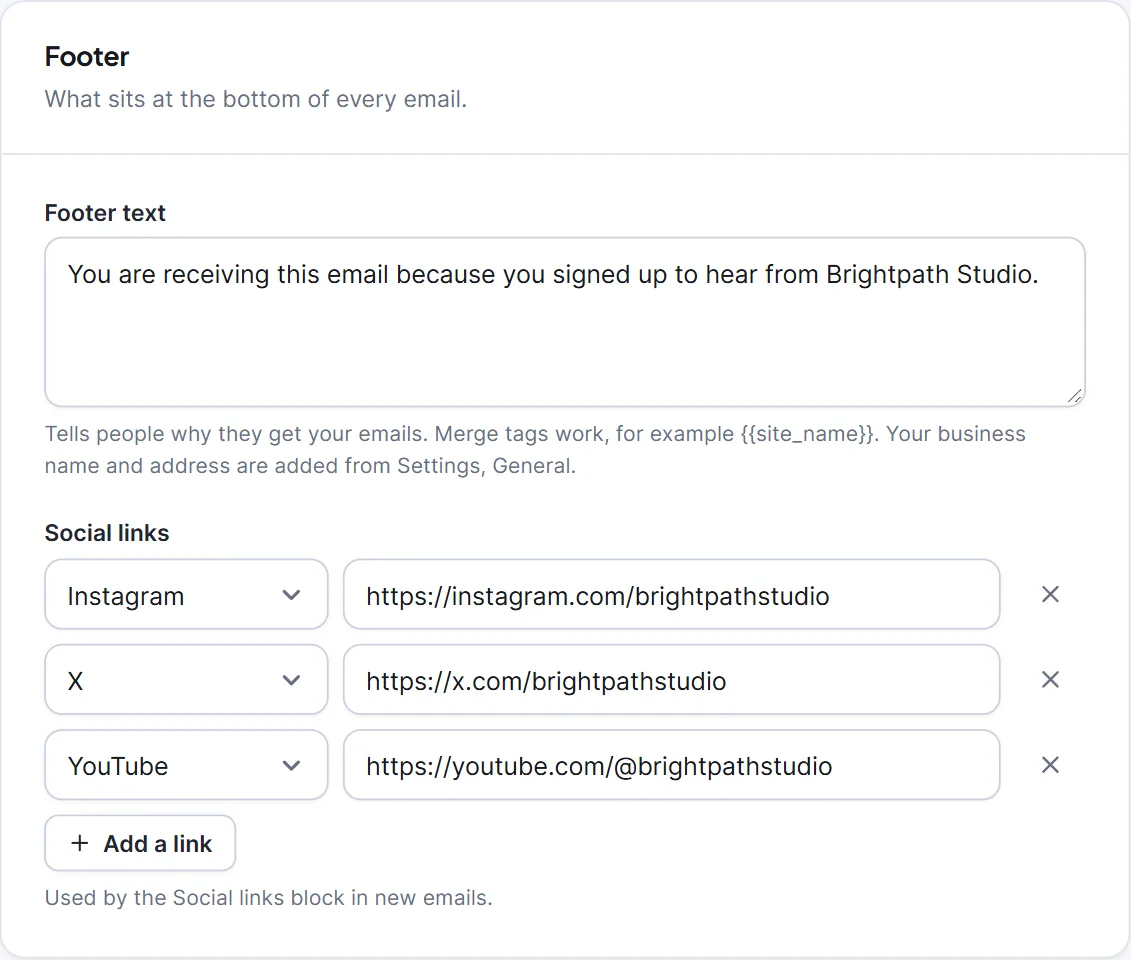
| Footer text | Why people get your emails; up to 1,000 characters; merge tags work, for example {{site_name}}. Business name and address are added from Settings > General |
Empty |
| Social links | Add a link adds a row: a network (Facebook, Instagram, X, LinkedIn, YouTube, TikTok, Pinterest, Threads, Bluesky, Mastodon, WhatsApp, Telegram, GitHub, Website, Email), an address starting https://, Remove this link. Up to 10; rows without a valid address are dropped | None |
Click Save brand kit in the bar at the bottom ("Brand kit saved. New emails will start from it."). Until you save once, new emails use each starter's own colours.
The kit only seeds new designs (from a starter or a blank email, a new Logo block, or Use brand kit in an editor). It never changes existing emails, Plain text or HTML-code emails, or anything at send time. The legal footer is set on Settings: Compliance and Settings: Email footer.
Tip: Set the kit before your first campaign, and upload a logo at least twice as wide as the width you set.
Next: The brand kit, Templates.


